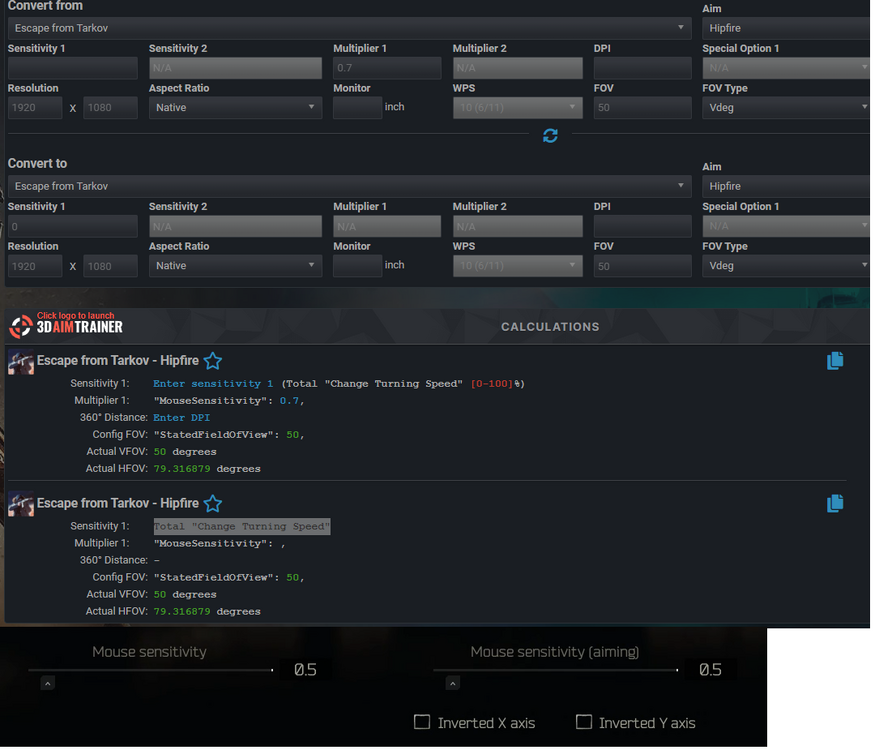
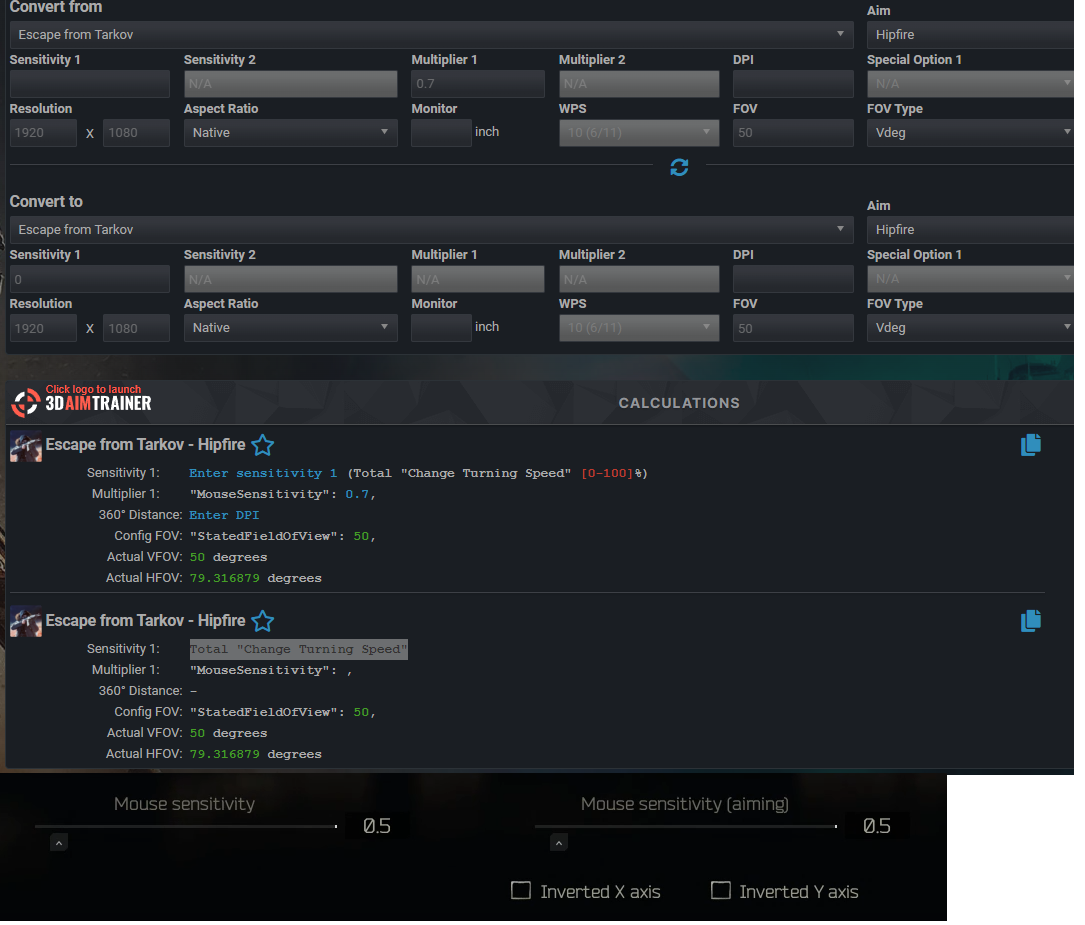
Still i dont understand how can i canculate because like there is two diffrent sensitivity sensitivity 1 and multiplier 1 which one is ingame mouse sensitivity and the other one is what aiming ? if i enter my sensitivity on multiplier 1 not canculate and saying you need to text value on sensitivity 1 maybe sensitivity one is aiming ?
[url=https://ibb.co/FYzFF4Z]
in the game controls two sensitivity one is mouse sensitivity other one is mouse sensitivity aiming in the canculete change turning speed and mouse sensitivity like what its changing turning speed aiming ? how can i canculate my escape from tarkov settings for another game
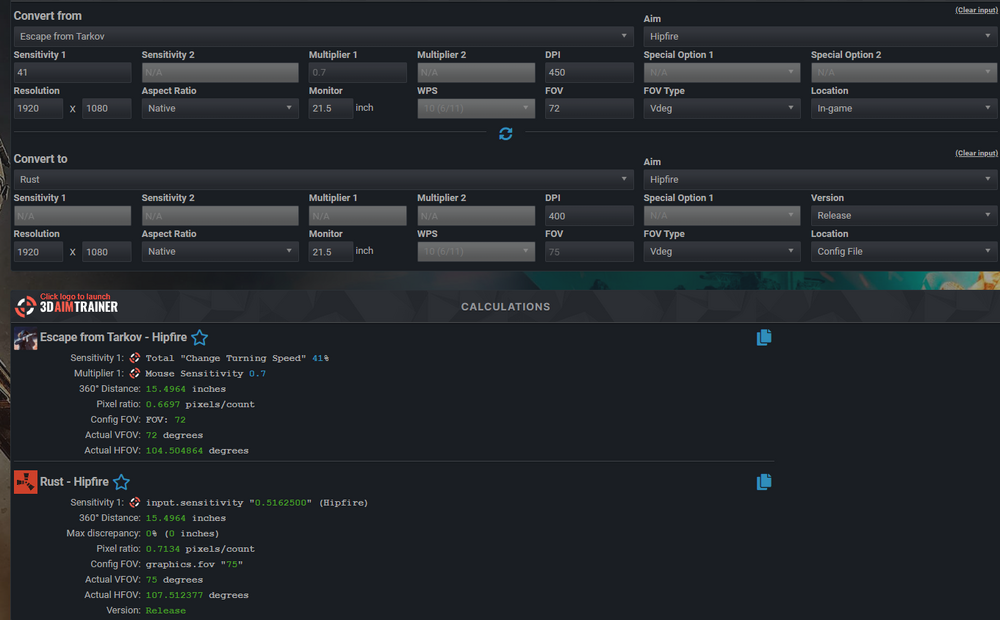
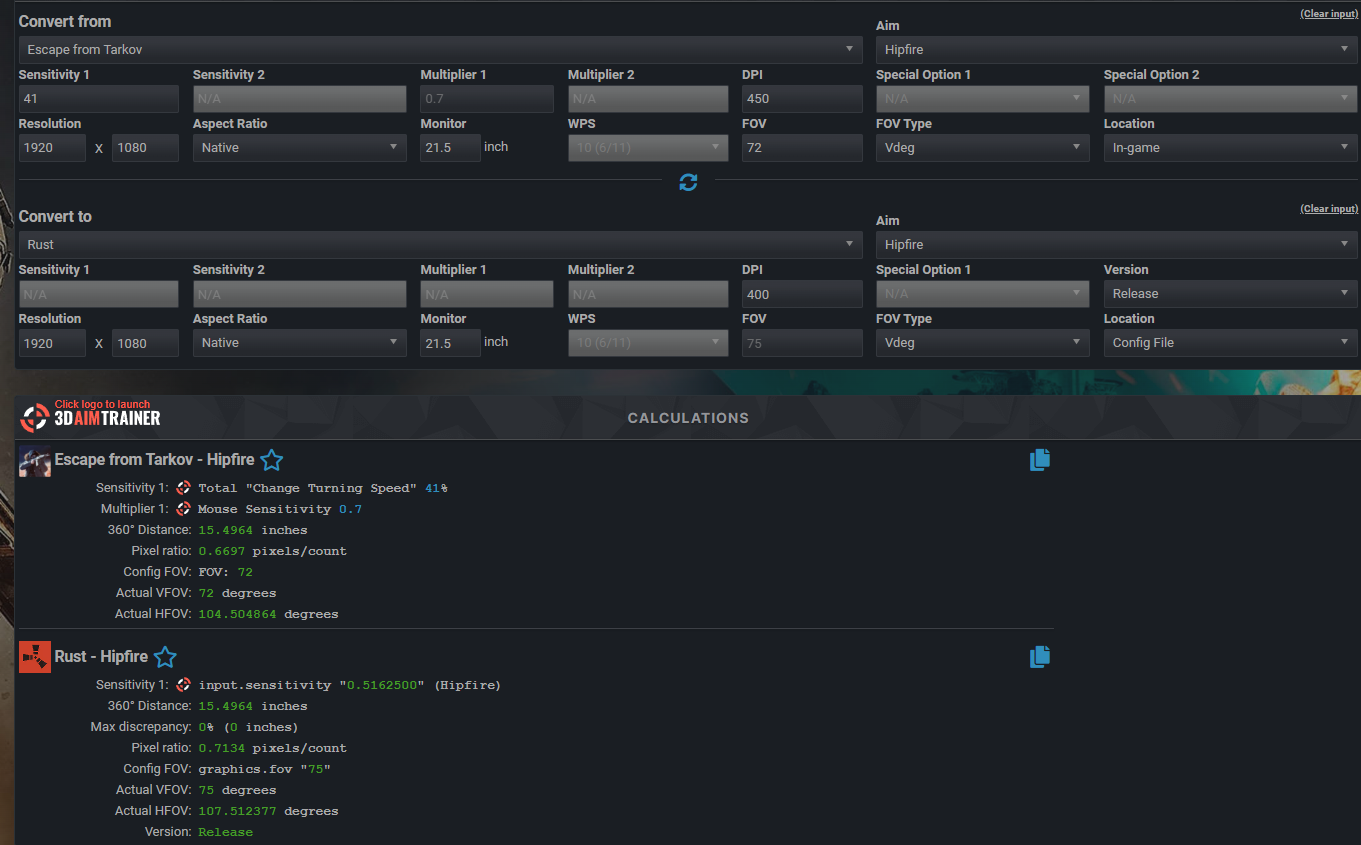
like im putting my ingame sensitivity total change turning speed on the canculate confusing realy maybe i must be put my ingame sensitivity to multiplier and change turning speed maybe its mouse sensitivity(aiming) i dont understand any admin help me about that please
like iam making like this but its wrong i think









 Freexy reacted to a post in a topic:
Escape From Tarkov Questing
Freexy reacted to a post in a topic:
Escape From Tarkov Questing