tuffxgong
-
Posts
7 -
Joined
-
Last visited
tuffxgong's Achievements






-
 philheath reacted to a post in a topic:
HOW DO U GET YOUR PIXEL COUNT BELOW 1 CURRENTLY MINES IS 27.5167
philheath reacted to a post in a topic:
HOW DO U GET YOUR PIXEL COUNT BELOW 1 CURRENTLY MINES IS 27.5167
-
OOOOOOOOOooooooooooo ok makes sense now cause when I played rainbow, and the pixel ratio was right my aim felt so smooth ok that makes sense thanks a lot guys im new to pc n mnk so I've just been a sponge for information apricate it
-
tuffxgong reacted to a post in a topic:
HOW DO U GET YOUR PIXEL COUNT BELOW 1 CURRENTLY MINES IS 27.5167
-
tuffxgong reacted to a post in a topic:
HOW DO U GET YOUR PIXEL COUNT BELOW 1 CURRENTLY MINES IS 27.5167
-
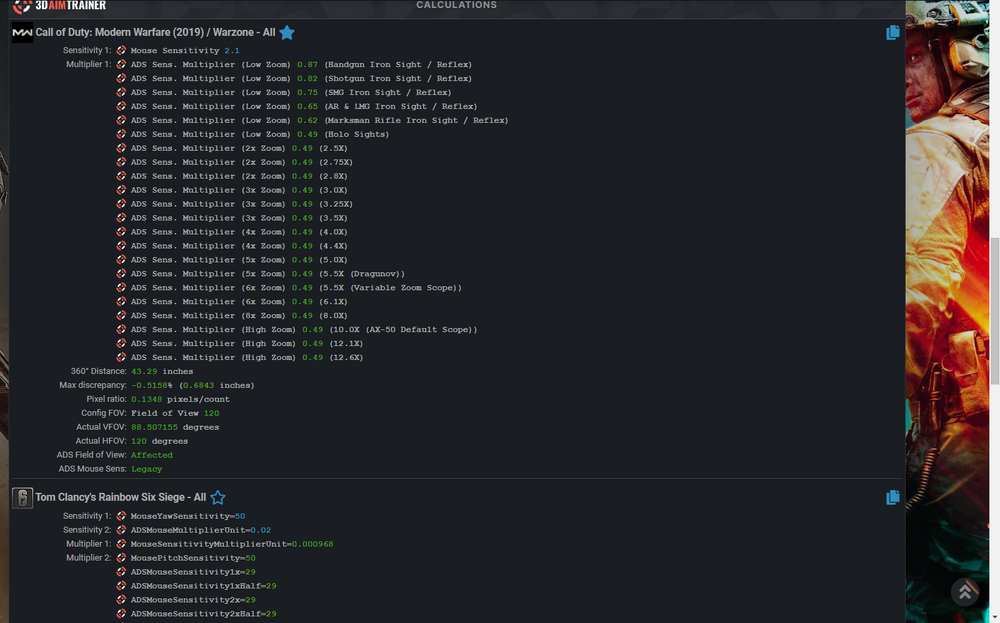
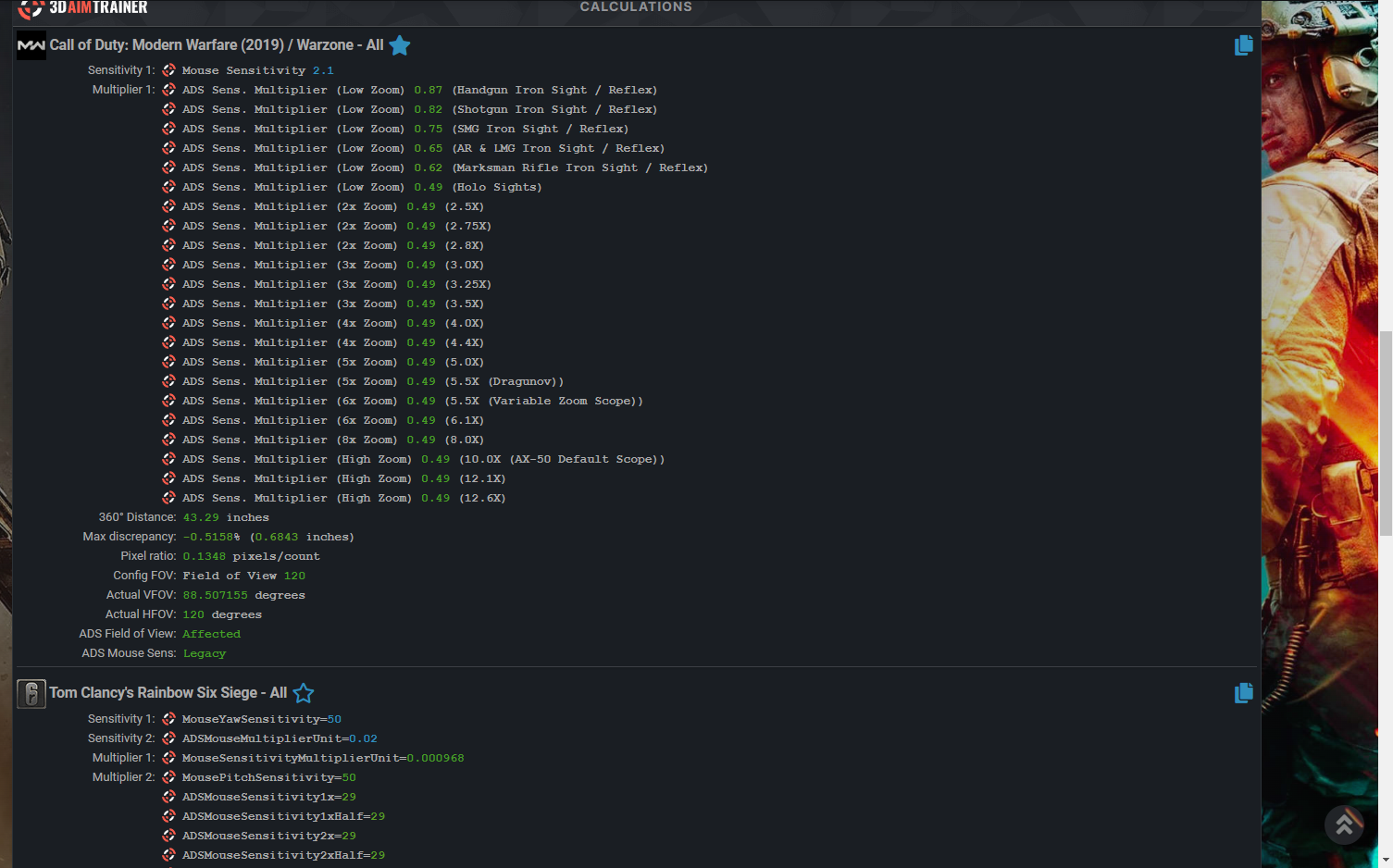
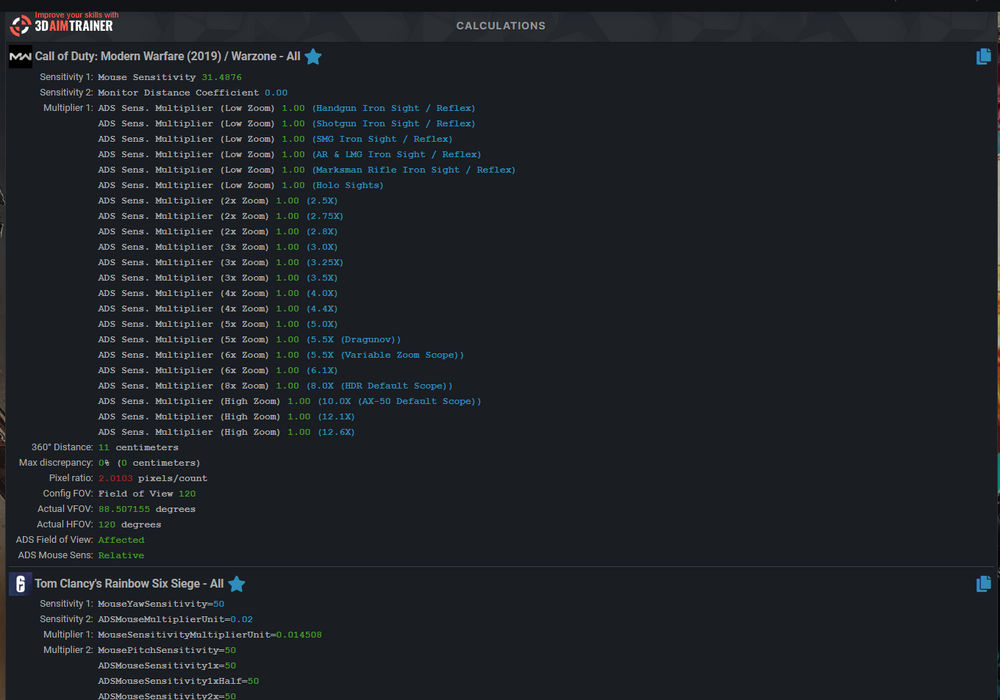
well i was trying to convert this sens but even with the same fov it was saying the pixels was off
-
tuffxgong reacted to a post in a topic:
HOW DO U GET YOUR PIXEL COUNT BELOW 1 CURRENTLY MINES IS 27.5167
-
so is there any way to use a 360 distance and have the pixels 1 to 1
-
NO ONLY MY HIP FIRE WAS USING MY 360 DISTANCE
-
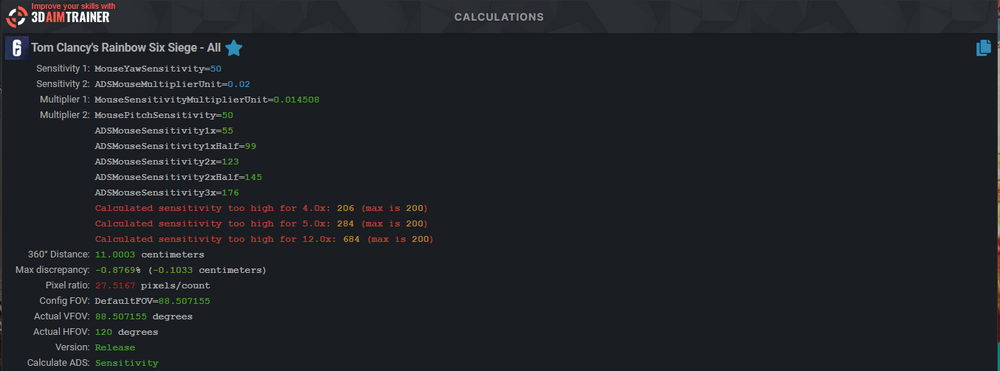
CURRENTLY MINES IS 27.5167 AND I WAS READING U DONT WANT YOURS ABOVE 1 DOES ANY ONE HAVE AN IDEA HOW TO LOWER IT
-
is anyone having problems converting warzone aim to rainbow 6
tuffxgong replied to tuffxgong's topic in Technical Discussion
OOOOHHHHH oh ok i was using the 90 im going to try that thanks -
I'm trying to convert my aim but I'm guessing because warzone lets u have a 120 fov and r6 only lets u go to 90 my aim just feels weird anyone have any tips or ideas that might help 👁