MGYBlue
-
Posts
28 -
Joined
-
Last visited
MGYBlue's Achievements






-
 HeavyHitters reacted to a post in a topic:
Call of Duty Mobile (使命召唤手游)
HeavyHitters reacted to a post in a topic:
Call of Duty Mobile (使命召唤手游)
-
 MGYBlue reacted to a post in a topic:
Call of Duty Mobile (使命召唤手游)
MGYBlue reacted to a post in a topic:
Call of Duty Mobile (使命召唤手游)
-
It is the same game with updated graphics and higher and more stable framerate.
-
MGYBlue reacted to a post in a topic:
Call of Duty Mobile (使命召唤手游)
-
Thank you. But I still have a problem. Since you didn't find the acceleration during test, maybe the "acceleration value" is not acceleration but simply a multiplier. Today I received your reply which reminded me to examine it and it seems to be just a multiplier. But fundamentally I don't have any professional way to identify the existence of acceleration and I just have my mousepad and ruler. So I hope you can test it and update the calculator. Thank you.
-
AZURE_251 reacted to a post in a topic:
Call of Duty Mobile (使命召唤手游)
-
By the way, CODM was made by unity.
-
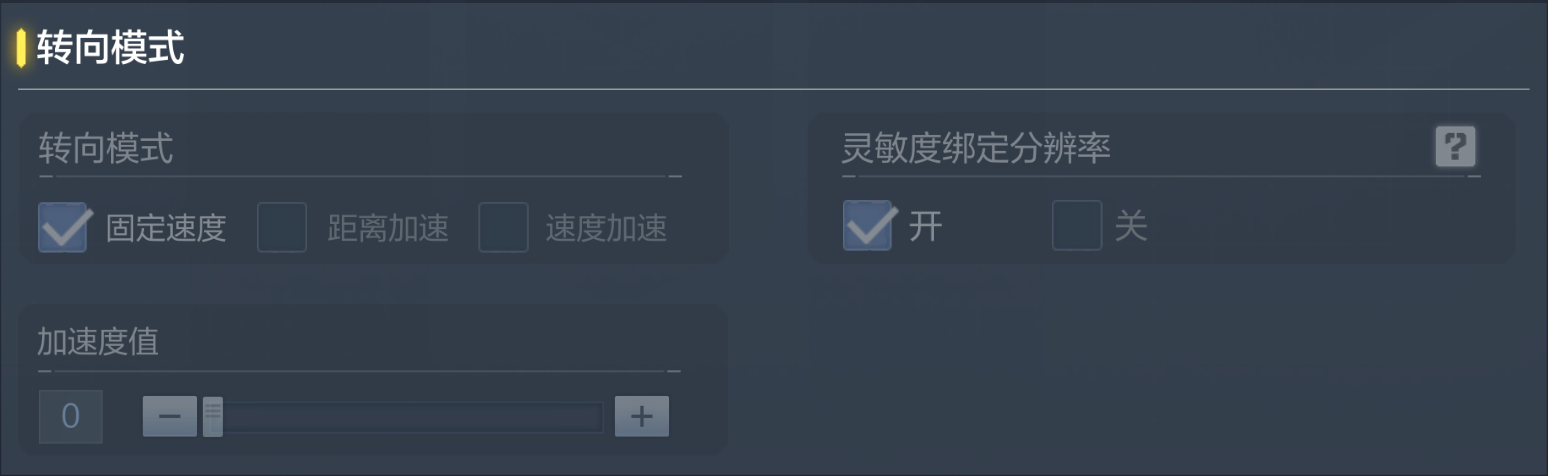
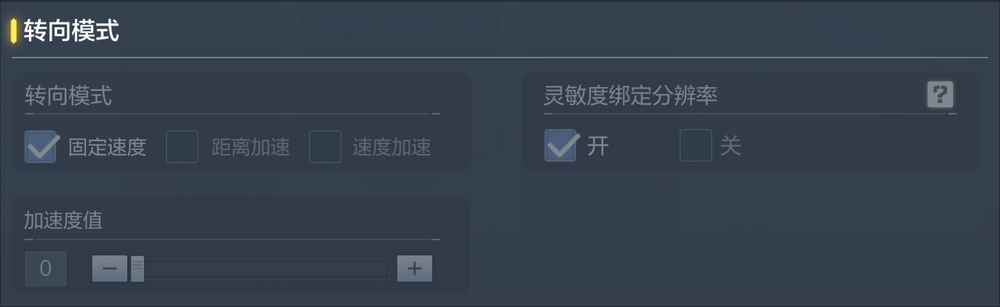
In the current version (启动器版本(1.0.7.464) 游戏版本(1.9.43.2)), the acceleration(加速度值) is actually adjustable and effective though the turning mode(转向模式) is "fixed speed(固定速度)". You can directly drag the slider. It seems that the calculator was made when the acceleration=60(default). Please update the calculator. Thank you!
-
MGYBlue reacted to a post in a topic:
THE FINALS
-
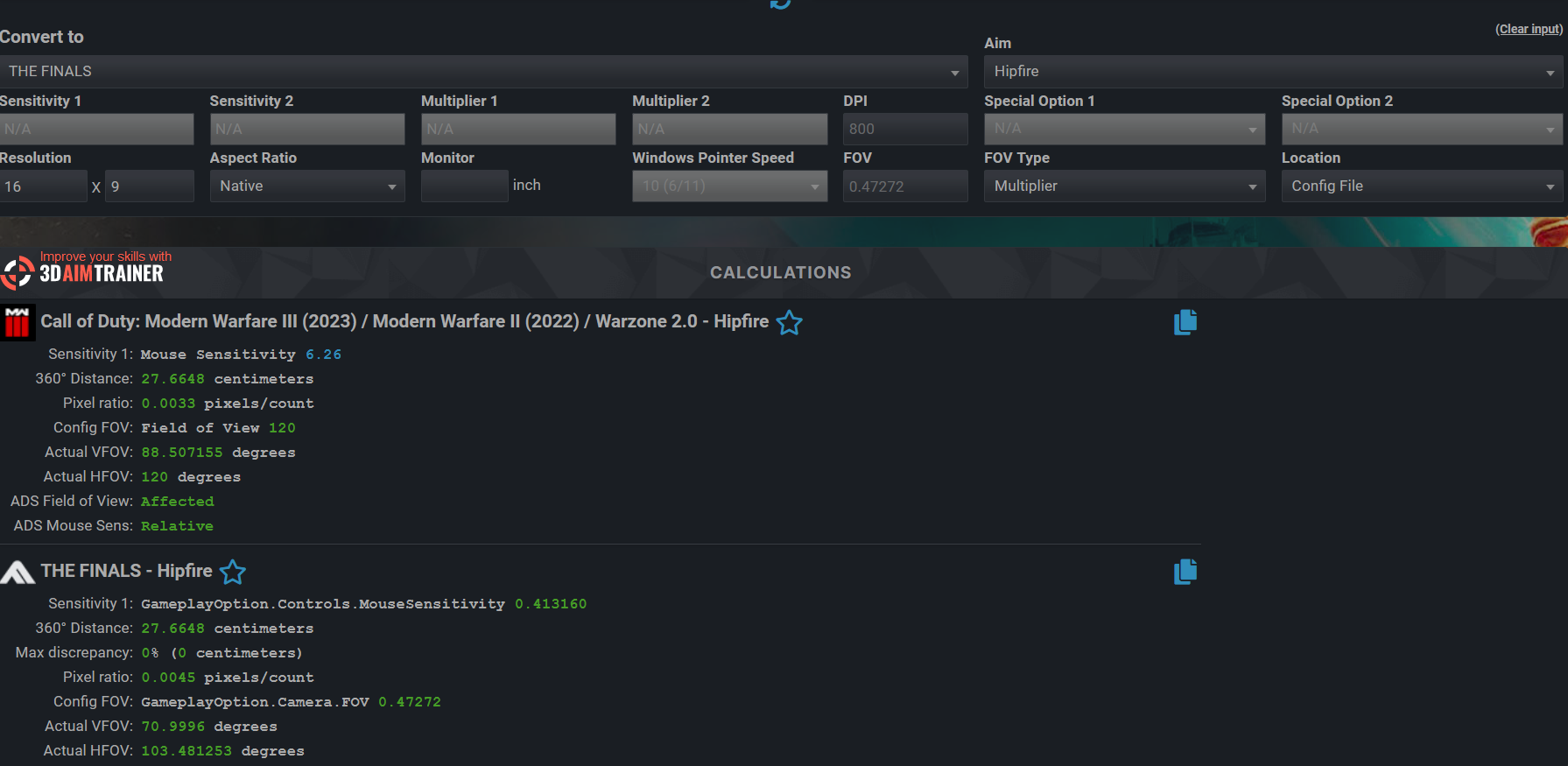
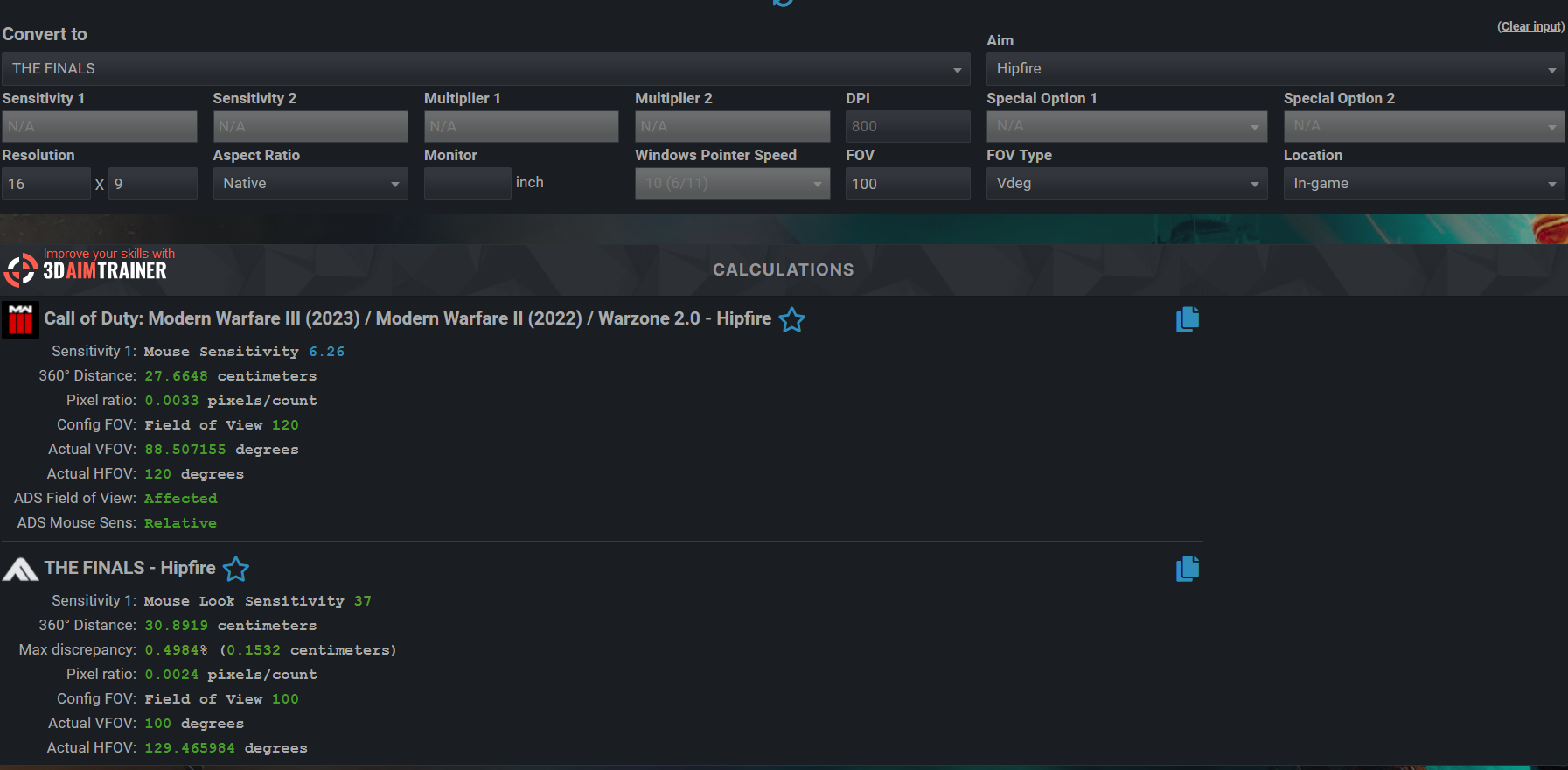
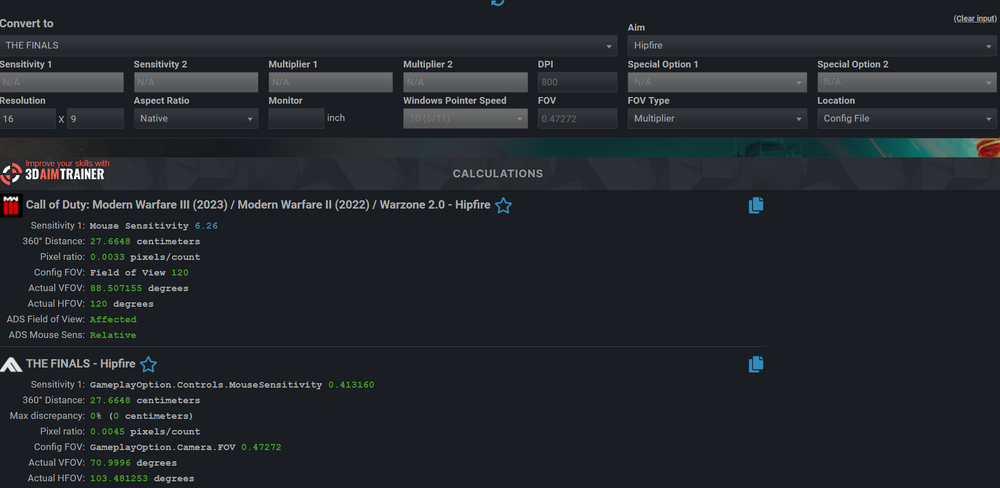
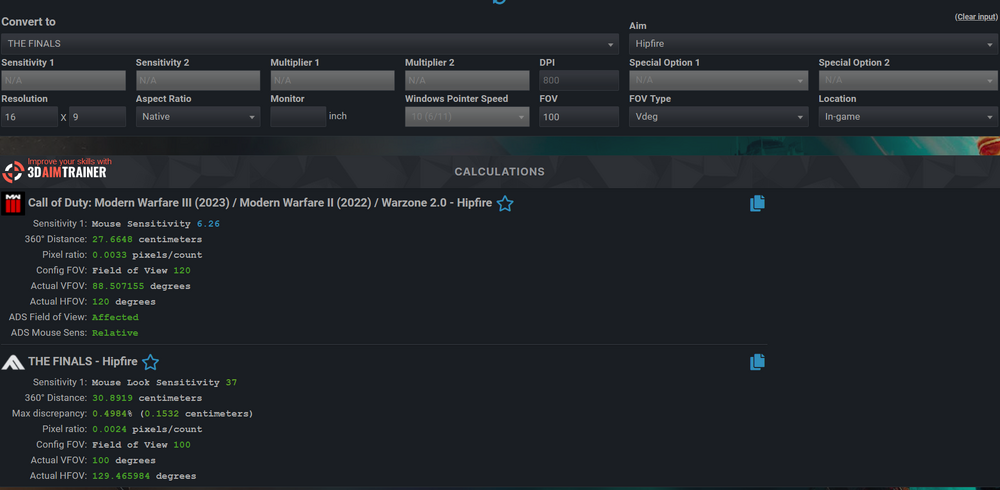
It is weird. The calculation result about the number in config is new, but the result in "in-game" is still the old one, even the 360 distance is way different from the standard I give it.
-
MGYBlue reacted to a post in a topic:
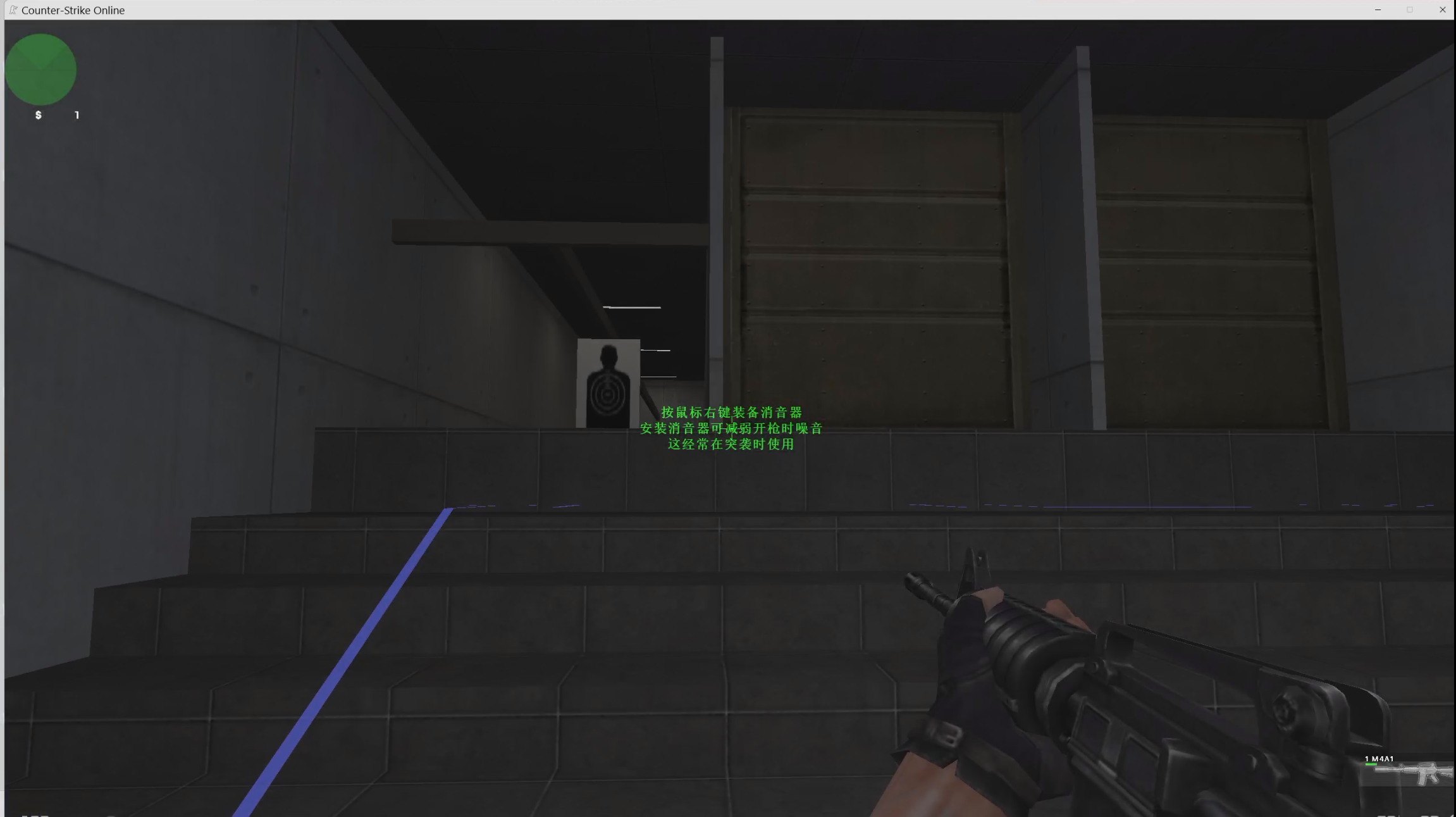
Counter-Strike Nexon: Studio / 反恐精英OL
-
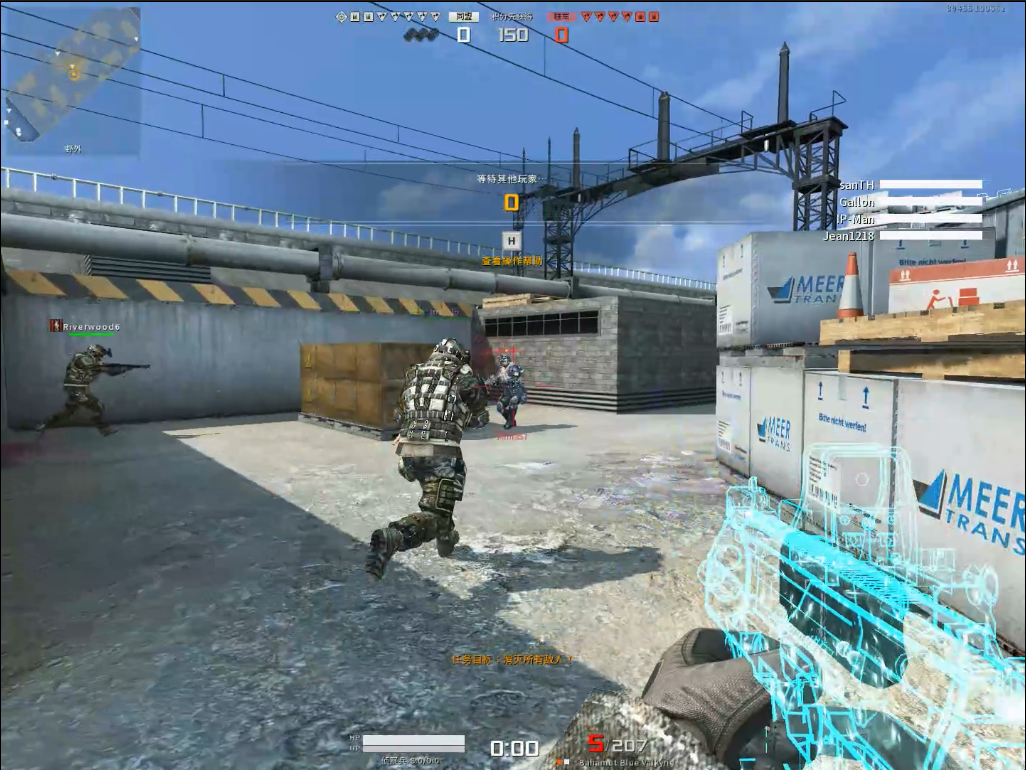
This game has added "new widescreen" mode and provides a wider FOV. Please update the data.


-
FOV of A.V.A Global may be able to exceed 90
MGYBlue replied to MGYBlue's topic in Feedback, suggestions and bugs
You are right. I found the AVAoptionsettings.ini seems to only change the view of the hands instead of the actual view. But I found I need to change the AVAoptionsetting.ini to get the real 90 FOV. The setting in game is useless. -
FOV of A.V.A Global may be able to exceed 90
MGYBlue replied to MGYBlue's topic in Feedback, suggestions and bugs
The first photo is my frame with default 90 FOV in 4:3. As we all know, AVA has fixed HFOV if we just adjust in settings. Today one of my friends sent me a photo. He played AVA in 16:9 but has a wider HFOV. (the HUD is stretched but the graphic is natural. )He told me he had changed the FOV manually.


-
FOV of A.V.A Global may be able to exceed 90
MGYBlue replied to MGYBlue's topic in Feedback, suggestions and bugs
The first photo is my frame with default 90 FOV in 4:3. As we all know, AVA has fixed HFOV if we just adjust in settings. Today one of my friends sent me a photo. He played AVA in 16:9 but has a wider HFOV. (the HUD is stretched but the graphic is natural. )He told me he had changed the FOV manually.
-
sorry, I thought that IW has independent ADS sensitivity but actually not.
-
As I know, this game is the same as CSOL but you do not need a tiancity account. Name: Counter-Strike Nexon: Studio Website: https://store.steampowered.com/app/273110/CounterStrike_Nexon_Studio/?cc=us Status: release Release date:2014.10.07 Availability: Free
-
Name: COD:WWII (ADS sensitivity) Status: release Availability: purchase Name: COD:IW (ADS sensitivity) Status: release Availability: purchase I mean the support of old COD is not complete, like ADS FOV, ADS sensitivity. I want to adjust the sensitivity depending on the ADS FOV and I want to adjust ADS sensitivity in WWII and IW but I cant. So please patch them.
-
warframe已经有了呀
-
MGYBlue reacted to a post in a topic:
Battlefield 4 non-uniform aiming ADS calculation method?
-
Name: Call of Duty: Modern Warfare II (2022) / Warzone 2.0 Website: www.callofduty.com Status: release Availability: purchase 3rd person mode plz
-
If I am that guy, I will correct new gamers' thoughts instead of following their thoughts.