NilValue
-
Posts
63 -
Joined
-
Last visited
-
Days Won
2
Recent Profile Visitors
1,361 profile views




NilValue's Achievements






-
 NilValue reacted to a post in a topic:
Satisfactory outdated
NilValue reacted to a post in a topic:
Satisfactory outdated
-
Just checked the calculator and it seems perfect now
-
Updating the input.ini works for me, just as the calculator states. However, there is no need to set different values for vertical and horizontal mouse since settings horizontal==vertical makes it 1:1. I have not tried actually making changes to the FG.MouseSensitivity value in the file.
-
Hi I have started to play Satisfactory and noticed the following things: The calculator gives me different values for X and Y axis to configure in the config file. However, I do not think that this actually correct, it feels like (and I also measured it) it already is at 1:1 vertical to horizontal sensitivity. Also, the mFOV value does not exist in the config file (seems to be called "FG.FOV" now), while the bEnableMouseSmoothing=False key-value is not contained in the file either. I also think that there is a new mouse sensitivity setting available in the GameUserSettings.ini: "FG.MouseSensitivity". I think that the calculator configuration is very outdated
-
 So setting vertical to the same value as horizontal ingame would be the best approach Thanks
 -
Is that intended? Does the game need me to do that? I would expect that this would result in different sensitivities for vertical and horizontal (which I do not think anyone would want, at least not by default).

-
Rainbow Six Siege Raw Input Bugged?
NilValue replied to NilValue's topic in General Gaming Discussion
Okay then, thank you -
Rainbow Six Siege Raw Input Bugged?
NilValue replied to NilValue's topic in General Gaming Discussion
Btw, some additional info: - The Steam version seemed to be fine (Vulkan and DirectX). I bought it on Ubi Store directly and after installing the Ubisoft Connect Only version, the raw input seems inconsistent. - I play the Vulkan version -
1000hz mouse, raw input seems bugged to me when I measure it (360° turn distance is inconsistent). Can anyone here confirm this?
-
 DPI Wizard reacted to a post in a topic:
Insurgency Sandstorm FOV calculation seems wrong
DPI Wizard reacted to a post in a topic:
Insurgency Sandstorm FOV calculation seems wrong
-
Insurgency Sandstorm FOV calculation seems wrong
NilValue replied to NilValue's topic in Feedback, suggestions and bugs
Ah damn, game didn't actually apply the FOV settings, just noticed. Sorry, my bad /closed- 1 reply
-
- 1
-
-
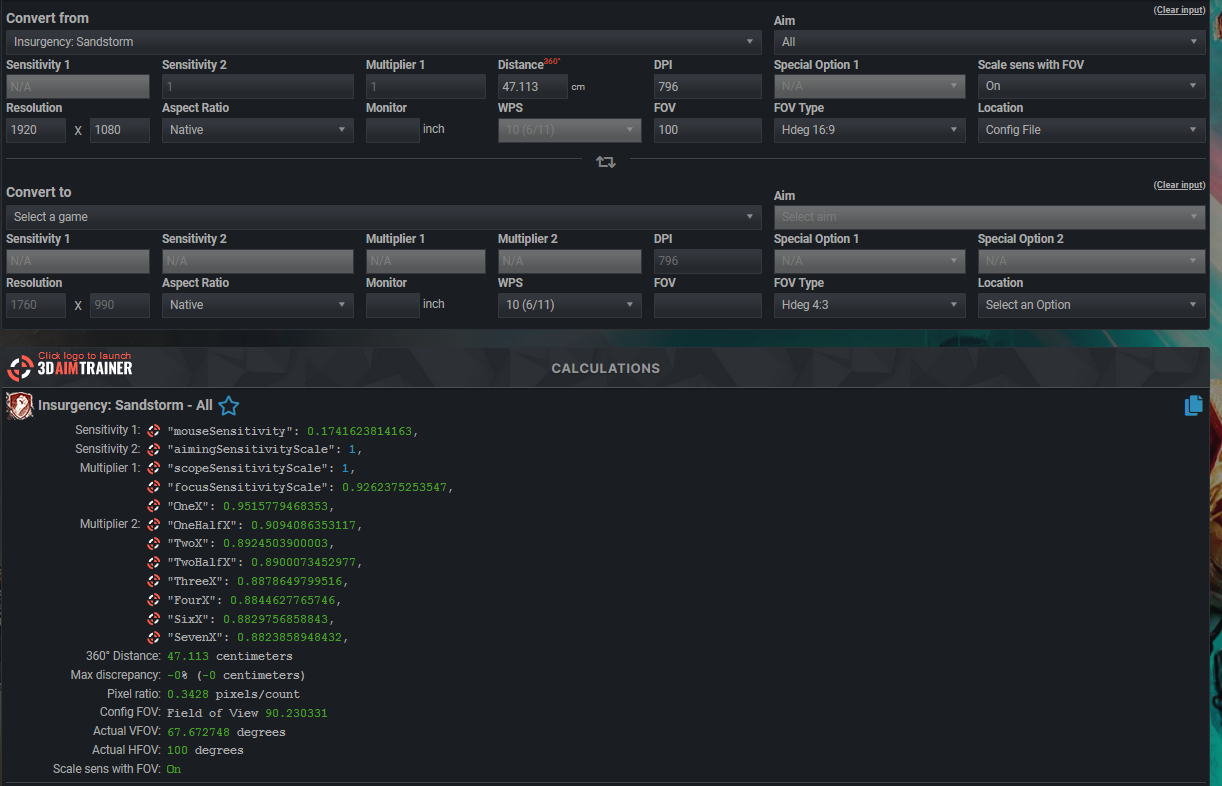
The configuration for Insurgency Sandstorm states that when I set the FOV in the settings to 100, then it would actually be 107 on a 16:9 screen. I just measured this and it is wrong. When I set it to 100° ingame, it is actually 100° horizontal FOV on my 16:9 screen.


-
Rainbow Six Siege sensitivity calculator bug
NilValue replied to NilValue's topic in Feedback, suggestions and bugs
Oh I see that now... The problem is then that when you switch between config and ingame, the settings of the other dropdowns change, too. From a UX perspective, wouldn't it make the most sense if the calculator retained the same settings that it had when first selecting the game? -
Rainbow Six Siege sensitivity calculator bug
NilValue replied to NilValue's topic in Feedback, suggestions and bugs
Before:
-
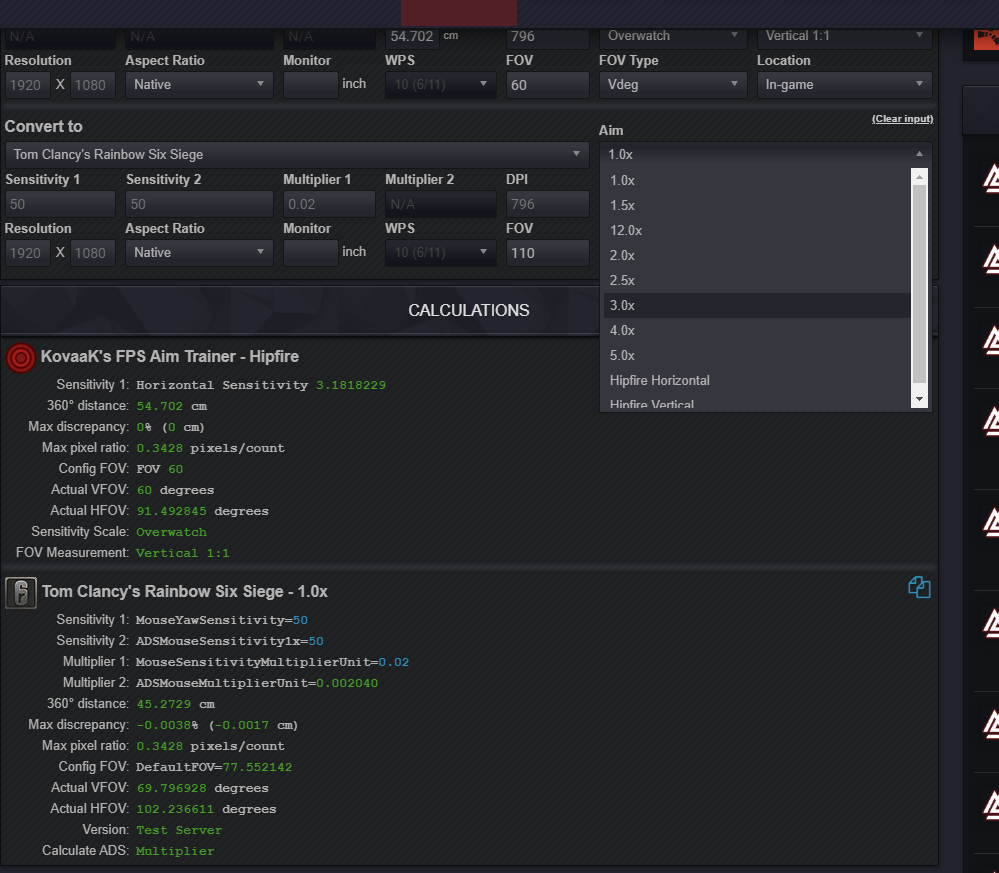
Bug is as follows: 1.) Select any game to convert from. 2.) Select to convert to Rainbow Six Siege 3.) Switch from config file to ingame 4.) Switch back to config file. Result: The "Aim" dropdown does not contain the option "All" anymore.

-
 Jeffy14 reacted to a post in a topic:
Rainbow Six Siege will add different sensitivity sliders / settings for scopes soon
Jeffy14 reacted to a post in a topic:
Rainbow Six Siege will add different sensitivity sliders / settings for scopes soon
-
https://store.steampowered.com/newshub/app/359550/view/2753341823353650692
-
Bug for game Genesis alpha one?
NilValue replied to NilValue's topic in Feedback, suggestions and bugs
^^ Makes sense. Thanks again though