Skip to content
View in the app

A better way to browse. Learn more.

Mouse Sensitivity Community

A full-screen app on your home screen with push notifications, badges and more.

To install this app on iOS and iPadOS
  1. Tap the Share icon in Safari
  2. Scroll the menu and tap Add to Home Screen.
  3. Tap Add in the top-right corner.
To install this app on Android
  1. Tap the 3-dot menu (⋮) in the top-right corner of the browser.
  2. Tap Add to Home screen or Install app.
  3. Confirm by tapping Install.

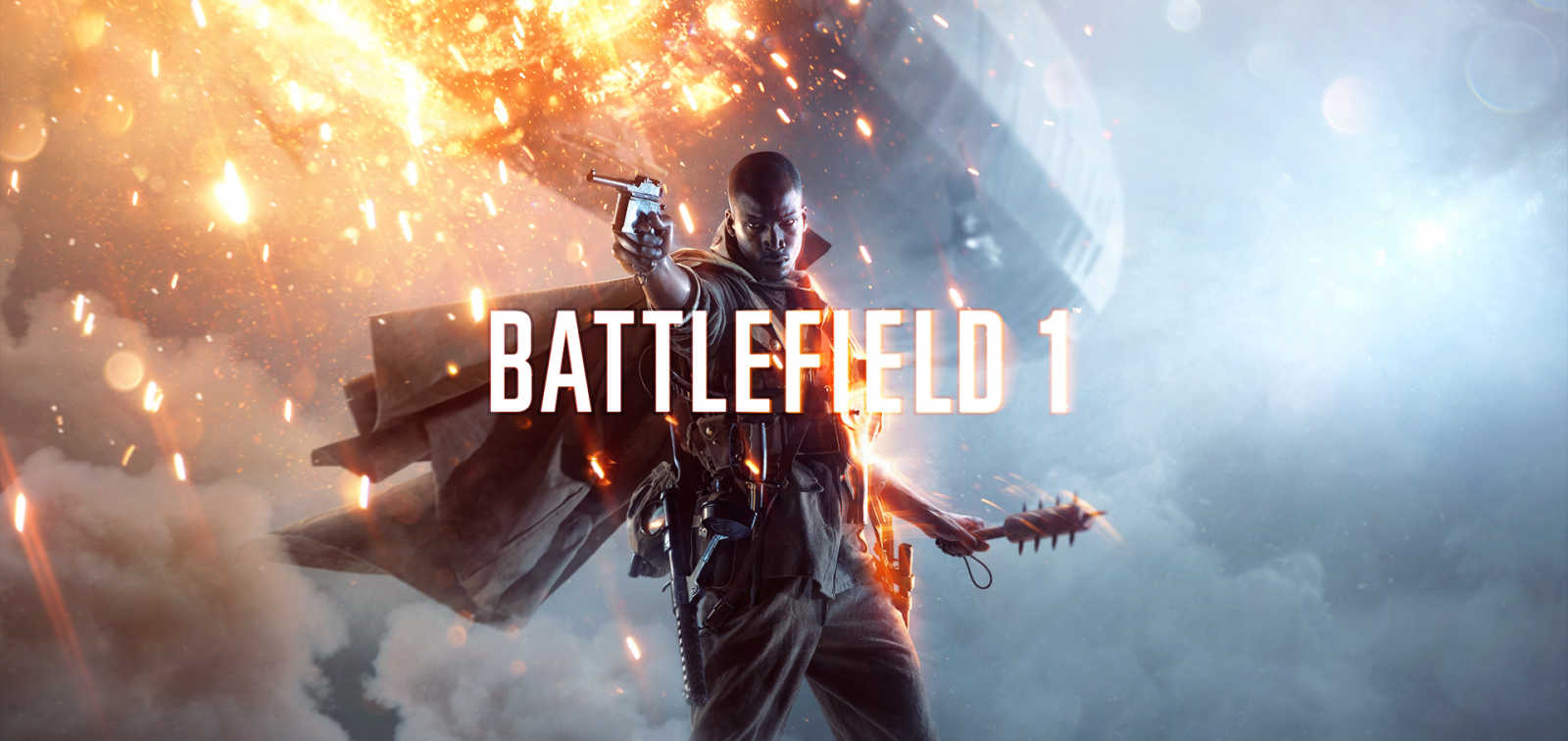
Battlefield 1

Added support for all aims, multipliers and coefficients, as well as calculations for both in-game and config file sensitivities.


User Feedback

Recommended Comments

Bernd Matthys

Premium Members

Same as BF4

  • Wizard

Same as BF4

I know, adding it to remove any doubt. Will also add all aims eventually :)

Bernd Matthys

Premium Members

I know, adding it to remove any doubt. Will also add all aims eventually :)

Of course :) 

OrangeGuac

Premium Members

In-game, if I set FOV (vertical) to 86 it shows a horizontal FOV of 102. In the calculator, if I enter 86 as the vertical FOV is shows an actual horizontal FOV of 112.


Which is correct? I want a hfov of ~102.


Thanks.

  • Wizard

In-game, if I set FOV (vertical) to 86 it shows a horizontal FOV of 102. In the calculator, if I enter 86 as the vertical FOV is shows an actual horizontal FOV of 112.


Which is correct? I want a hfov of ~102.


Thanks.

The game for some reason calculates the HFOV for 4:3 resolution, and does not take into account your actual aspect ratio.


If you select Horizontal Deg. | Res Base and enter 102 as you want, you'll get GstRender.FieldOfViewVertical 69.57 which is what you should configure :)


(Assuming you play with a 16:9 resolution)

OrangeGuac

Premium Members

The game for some reason calculates the HFOV for 4:3 resolution, and does not take into account your actual aspect ratio.


If you select Horizontal Deg. | Res Base and enter 102 as you want, you'll get GstRender.FieldOfViewVertical 69.57 which is what you should configure :)


(Assuming you play with a 16:9 resolution)


Thanks for the help, appreciated.

Uniform Soldier Aiming is not working in the beta.


One thing i dont understand in the calculator is it says to put coefficient to 0 and not 1.33 as default. I've tested UsA with default numbers(1.33) and they work perfect on all sights in bf4. maybe i am wrong on this but as far as i've tested with coyote, iron and holo sight it is 40cm/360 for me. not sure on snipers tho


anyways back to my problem: i use 40cm/360 (0.007468    800DPI) for all sights in bf4 and i dont know how to get it like that in bf1 atm, as i dont know the x zoom of the m18 sight

  • Wizard

Uniform Soldier Aiming is not working in the beta.


One thing i dont understand in the calculator is it says to put coefficient to 0 and not 1.33 as default. I've tested UsA with default numbers(1.33) and they work perfect on all sights in bf4. maybe i am wrong on this but as far as i've tested with coyote, iron and holo sight it is 40cm/360 for me. not sure on snipers tho


anyways back to my problem: i use 40cm/360 (0.007468    800DPI) for all sights in bf4 and i dont know how to get it like that in bf1 atm, as i dont know the x zoom of the m18 sight

I've chosen to set the coefficient to 0 just to eliminate the variable. As soon as you start matching with different percentages the coefficient doesn't scale the same with all sights, but it is true that it does a fairly good job with the default settings.


Regarding BF1, haven't looked at the aims and USA yet.

jabbothehut

Members

are the ads sliders off or something? when i set soldier zoom sens to 60% it feels waaaaay too slow compared to my sens on r6 siege which is 60% ads too

stereo3D

Premium Members

well, technically they're both off because 100 % ads sens isn't identical to hip-fire in either game.


if you're using 60 % for iron sights in r6 siege then you could try:


soldier zoom sensitivity: 80 %

uniform soldier aiming: on

(advanced) coefficient: 100 %

jabbothehut

Members
(edited)

well, technically they're both off because 100 % ads sens isn't identical to hip-fire in either game.


if you're using 60 % for iron sights in r6 siege then you could try:


soldier zoom sensitivity: 80 %

uniform soldier aiming: on

(advanced) coefficient: 100 %

ah thanks a lot man! will check it out! also just a quick question, how did you work that out?

Edited by jabbothehut

SevenFreak

Members

I know, adding it to remove any doubt. Will also add all aims eventually :)


That would be somehow a must-have , still waiting that you add it for BF4 :).

  • Wizard

still waiting that you add it for BF4 :).

BF4 should already have calculations for all aims. Or did I miss any?

mattiasheen

Premium Members

Hey, if I change the bf4 sights to, lets say 20x, should I set my FOV again before I copy the sensitivity?

SevenFreak

Members

For people who uses Origin Cloud, the file which needs to be edited is the "PROFSAVE_profile_synced" - not sure if you wanna add this information. Also (and I dont know if this was already included in the Beta and if it affects anything) - you can choose between different zoom levels at the weapons, also all the variables have different names now compared to Bf4. I can send you screens/configfiles if you wanna check/add them.

Bernd Matthys

Premium Members

FYI:

Devs say the sensitivity is no longer the same as BF4. I guess they changed it from the beta. Sorry to be the bearer of bad news :(


https://twitter.com/Demize99/status/788261397536837632

I wonder why they changed it again, their is absolutely no need for this what so ever.

The range is more then wide enough from 1 inch to 100 if you want to, i don't understand why they need to change it every f*cking time!

I guess they want to mess up your muscle memory up with every new game lol

  • Wizard

Thanks for the heads-up, will re-analyze!

jabbothehut

Members

Thanks for the heads-up, will re-analyze!

Thanks so much! Wondered why my hipfire felt so jerky and wierd.

  • Wizard

Is this just a PS4 change? PC version seems identical.

jabbothehut

Members

Is this just a PS4 change? PC version seems identical.

seems to be a pc one as well apparently

jabbothehut

Members
(edited)

Is this just a PS4 change? PC version seems identical.

was wondering what I should set my coefficient on Uniform Soldier Aim as if I want to keep the same sens across all scopes

Edited by jabbothehut

CaptaPraelium

Premium Members
(edited)

Is this just a PS4 change? PC version seems identical.

Reports on twitter, forums, etc seem to vary greatly. Some (including DICE staff) have said this is a result of FoV changes. Some (including DICE staff) have said it is related to Uniform Soldier Aiming. Some (many, many people) say it feels super sluggish. Some say it is the same.


Sorry, I'm no expert on this, just trying to help out with feeding back info that's hidden in twitter threads :)


was wondering what I should set my coefficient on Uniform Soldier Aim as if I want to keep the same sens across all scopes


Check out the thread I linked here:

http://www.mouse-sensitivity.com/forum/topic/404-question-bf4-uniform-soldier-aiming-how-it-works/#entry4954


Short answer: 133%

Longer answer: somewhere between 0% and 133%

Even longer answer: Maybe up to your screen aspect ratio (eg 177% for 16:9)

My answer: I use the golden ratio.... but I'm not settled on that yet.


There is also a thread or two about this on symthic.

Edited by Capta Praelium

Create an account or sign in to comment

Account

Navigation

Search

Search

Configure browser push notifications

Chrome (Android)
  1. Tap the lock icon next to the address bar.
  2. Tap Permissions → Notifications.
  3. Adjust your preference.
Chrome (Desktop)
  1. Click the padlock icon in the address bar.
  2. Select Site settings.
  3. Find Notifications and adjust your preference.